
How It Works
STEP 1
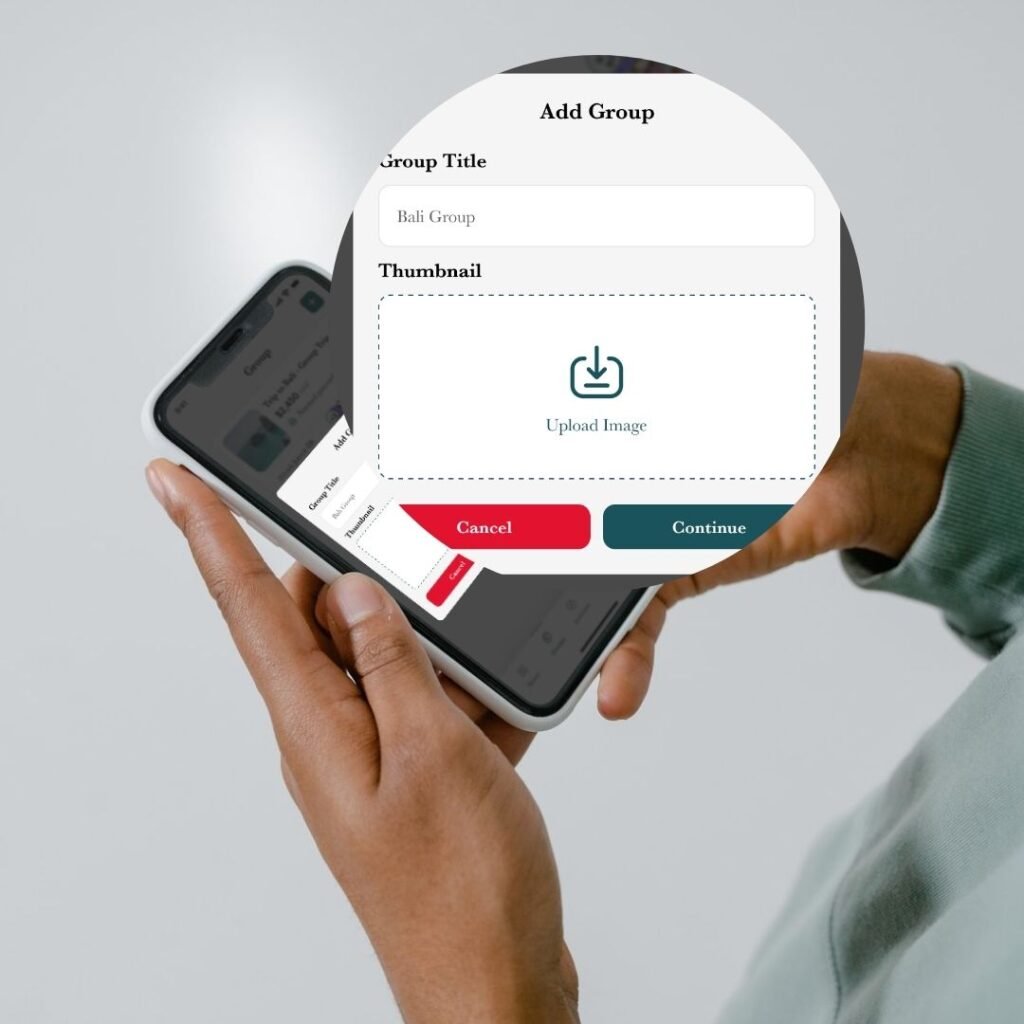
Create a Group in Seconds
Set up groups with friends, your partner, flatmates, or your team to manage shared expenses, and personalize each group.
STEP 2
Invite or Add Peers
Invite friends with shareable links. Whosplit automatically reminds everyone about new expenses and unpaid balances.

Step 3
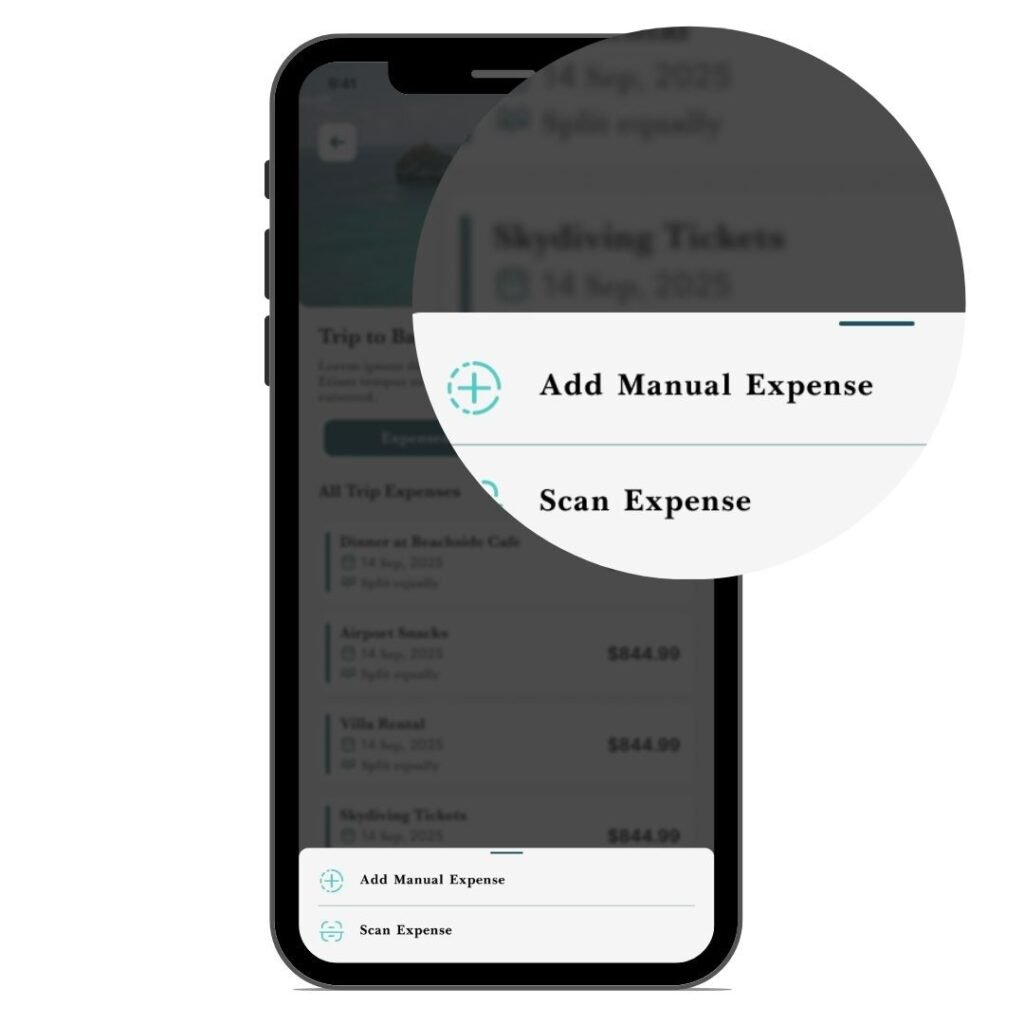
Add Expenses Manually or Scan Receipt
Each persons adds what they paid or scan receipts and Whosplit automatically assigns bills. Everyone knows what they owe. Each person sees their balance clearly. No guessing. No awkward reminders.
STEP 4
Split Anyway you Want
Uneven splits are easy. Split rent, tickets, gas, electricity, groceries, dinners, taxis, vacations, anything you share. Split by exact amounts or percentages. WhoSplit handles everything.

Step 5
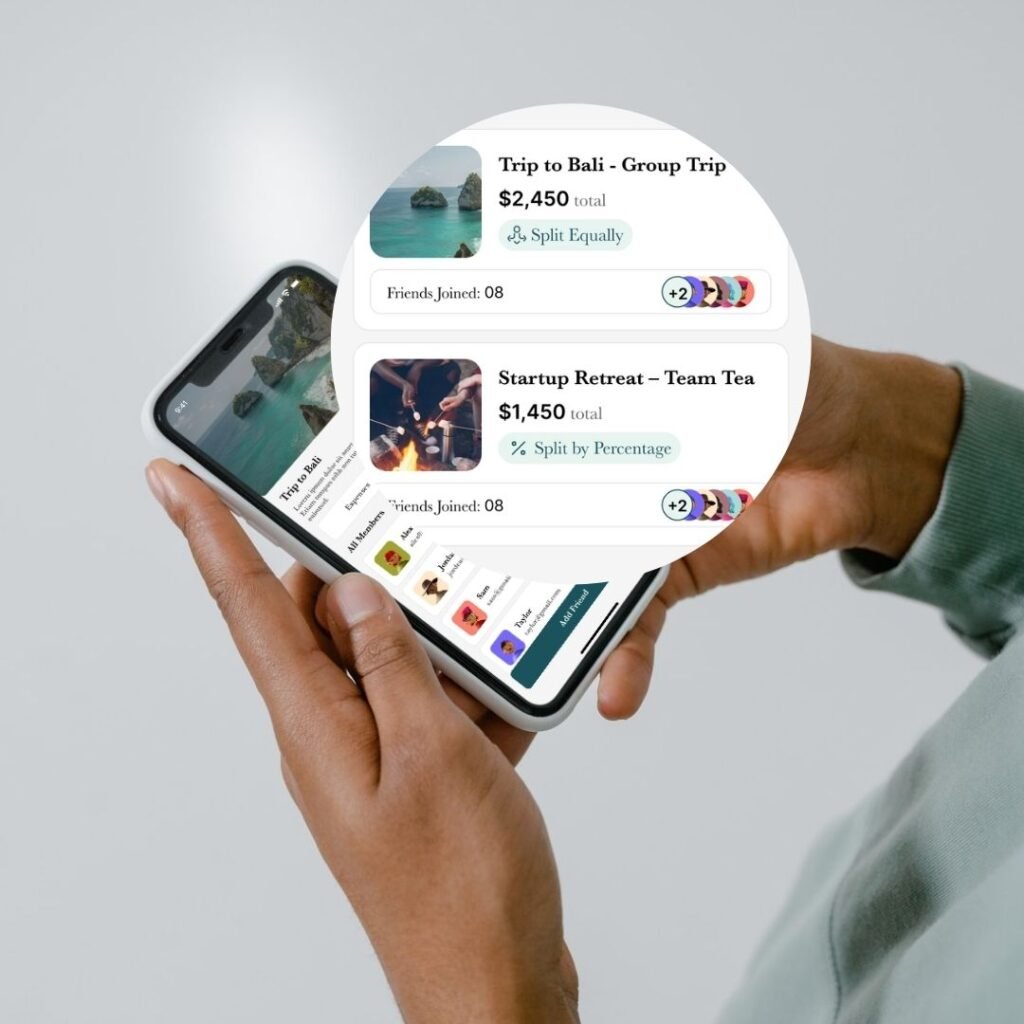
Find Out Who Owes What and Settle Up
Whosplit shows the easiest way to pay each other back. notifies you in real time and send reminders when it’s time to settle up.